

One scan, a complete record
Scan the barcode: the BnF, Open Library and Google Books provide the title, authors, publisher, year, page count and cover. A list of ISBNs can even be pasted from a spreadsheet.

Native application for iPhone, iPad and Mac
Scan a barcode: the book’s record fills itself in. Readings, loans, value, wishlist and notes follow — no account, no ads, and almost everything works offline.
iOS 26+ · iPadOS 26+ · macOS 26+ · Five languagesFeatures
Scan the barcode: the BnF, Open Library and Google Books provide the title, authors, publisher, year, page count and cover. A list of ISBNs can even be pasted from a spreadsheet.
Standing at the shelf, scan: Legenda answers “already owned”, “owned in another edition”, “on your wishlist” or “new”. No more duplicates bought by mistake.
Hierarchical locations — Living room › Bookcase › Shelf 3 —, virtual shelves, tags and genres. Several thousand books stay browsable at a glance.
Each series shows the volumes you own and the ones still missing, so you can complete your collections without keeping a spreadsheet.
To read, reading, read, abandoned, with dates and rereads. Quotes with page and photo, half-star ratings, personal review.
A yearly goal in books, pages or reading time, and charts that tell the story of your reading year.
To whom, since when, expected return, automatic reminder and history — for the books you lend as well as those borrowed from a friend or a library.
First editions, signed copies, condition, dated value history with supporting documents, and a PDF inventory export for your insurance.
A wish can target a work or a specific edition, with priority, maximum price and a “gift idea” flag. The list is shareable in one gesture.
Headings, bold, lists, checkboxes, quotes: a real note attached to each book, exportable as Markdown, PDF, RTF or plain text.
One library, several readers: each keeps their own readings, goals and wishes.
A full copy every day and before any irreversible operation, a thirty-day trash, JSON or CSV export. Your books don’t get lost.
On iPhone
Eight screens on iPhone, in the language of this page.
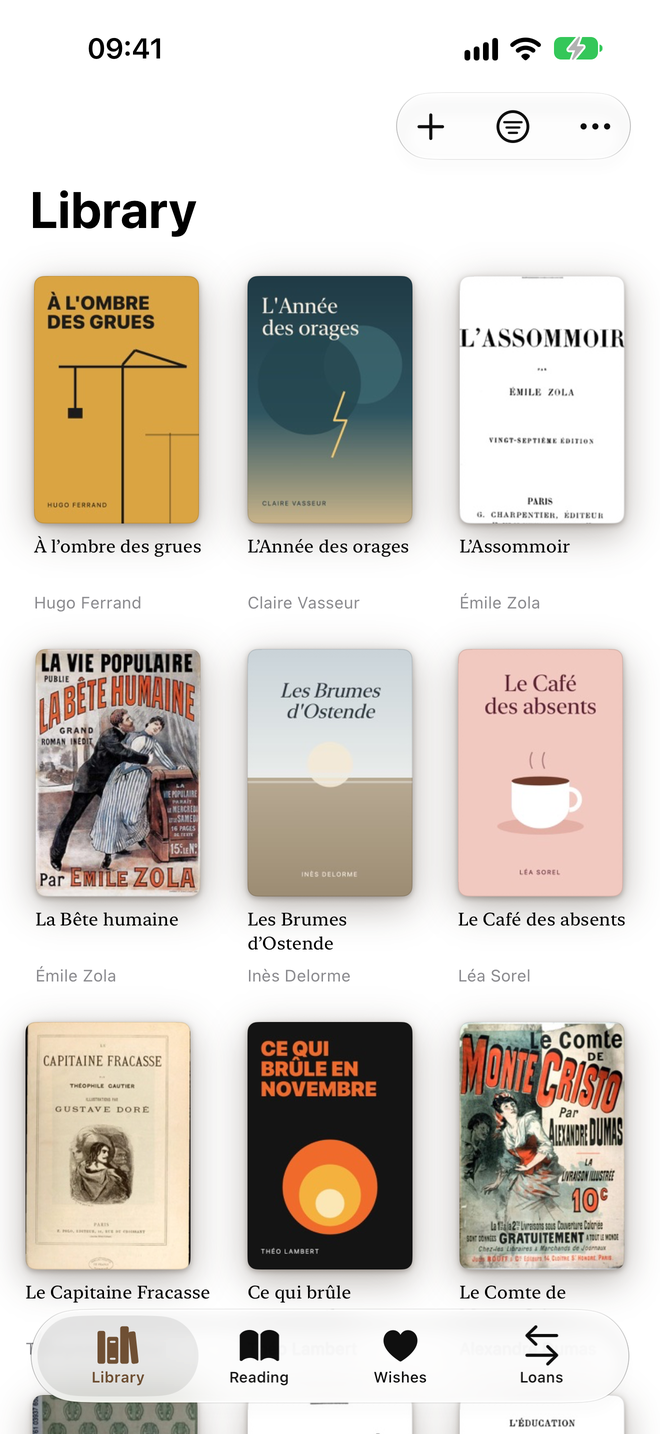
Every book in its place, cover and all.
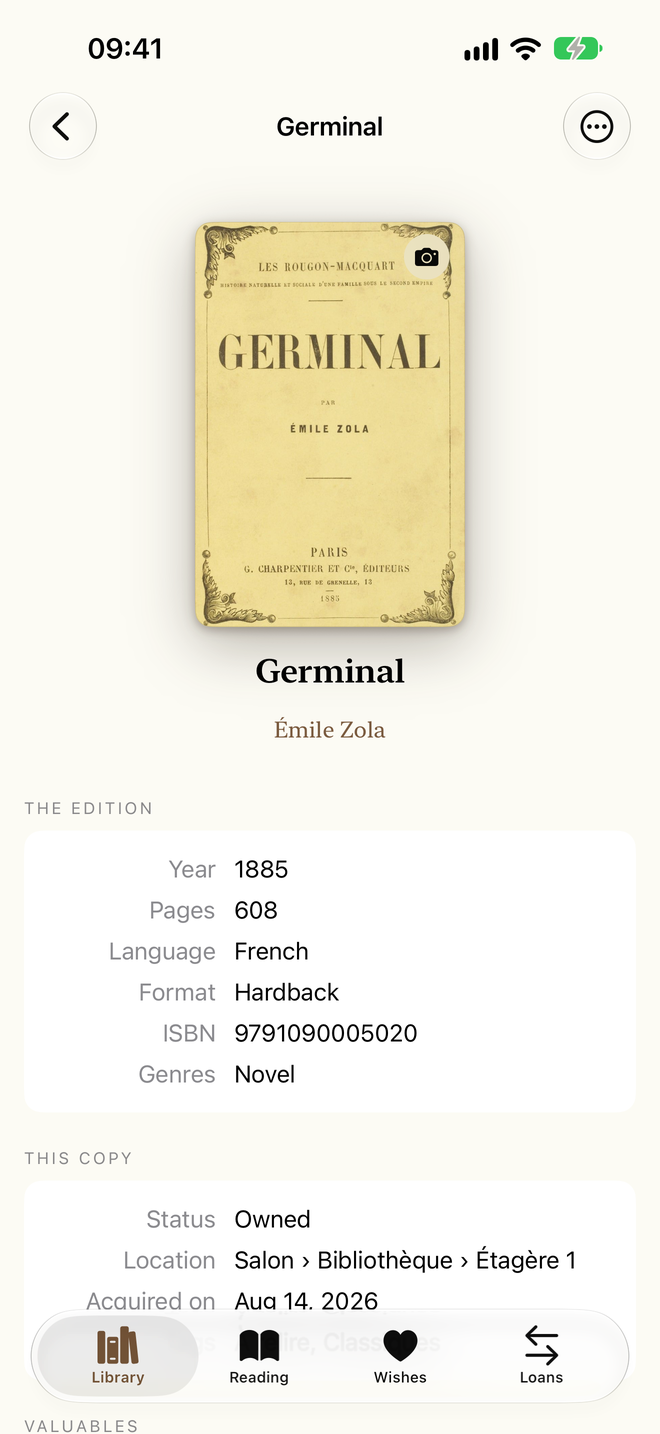
Edition, location, inscription and value.
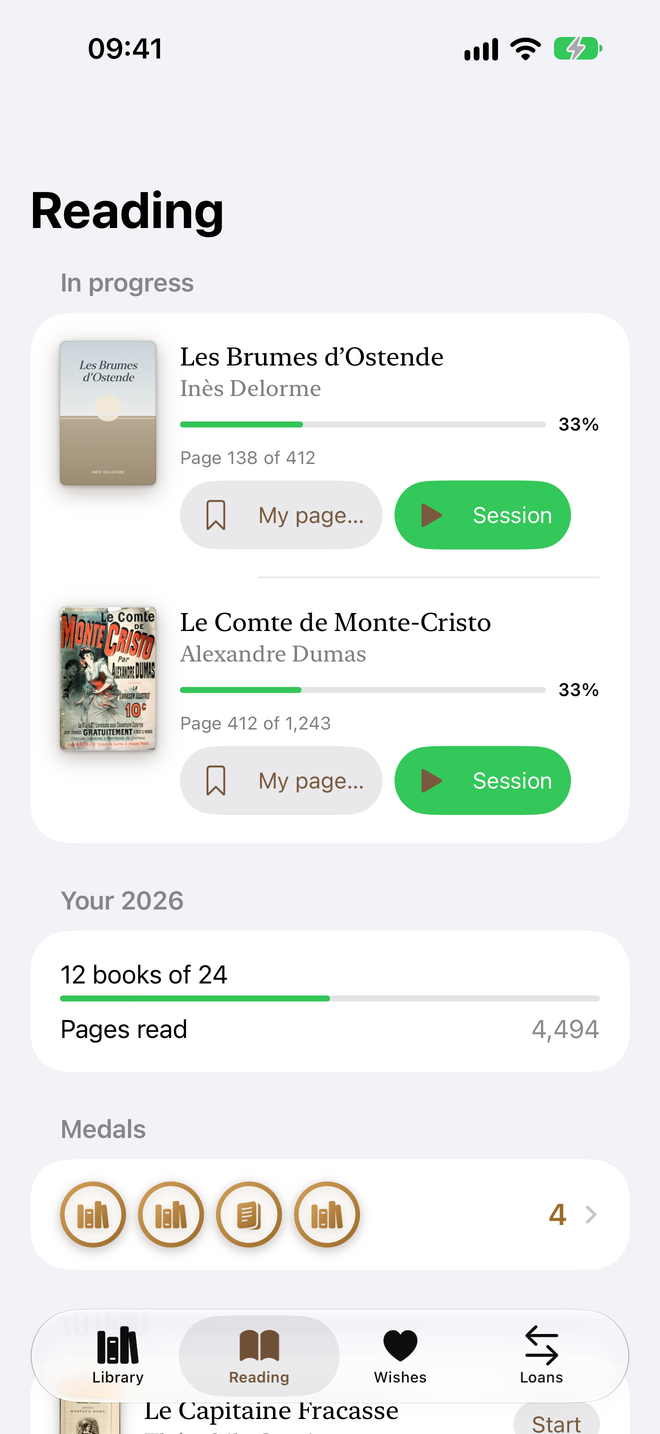
Where you are, and your goal for the year.
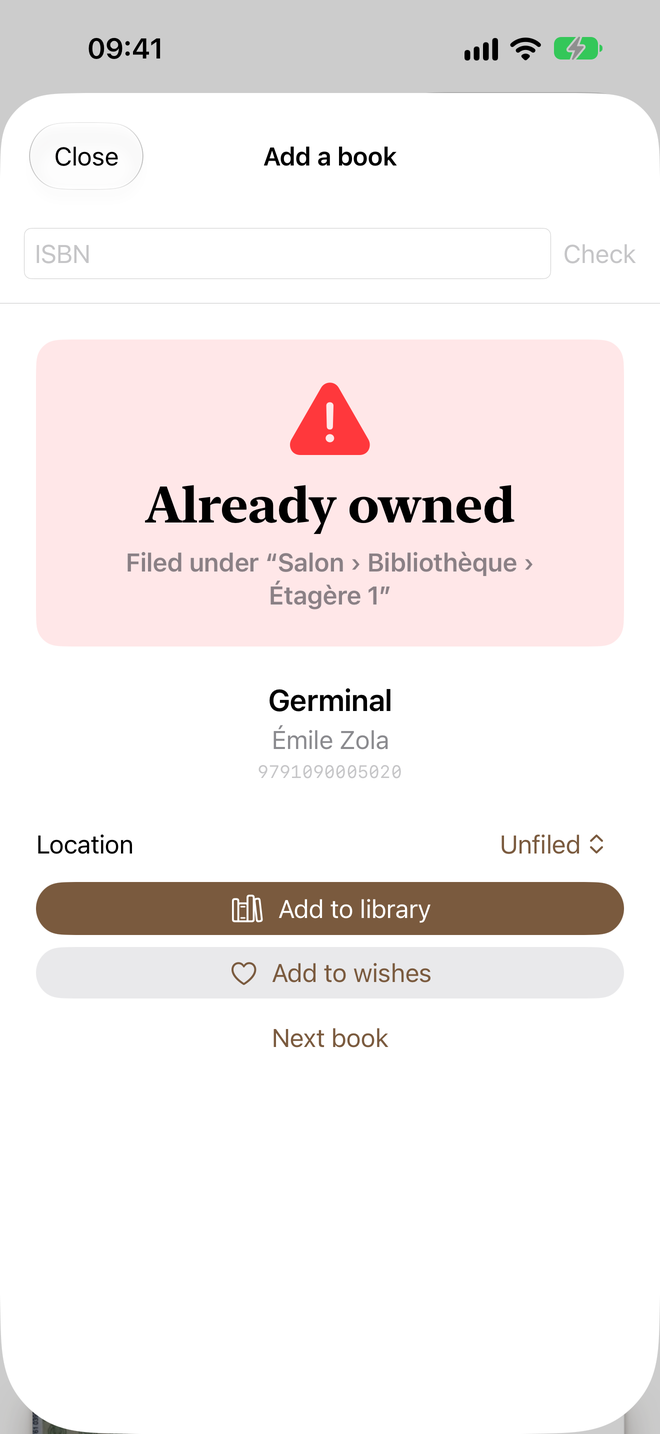
Scan a barcode and know if you own it.
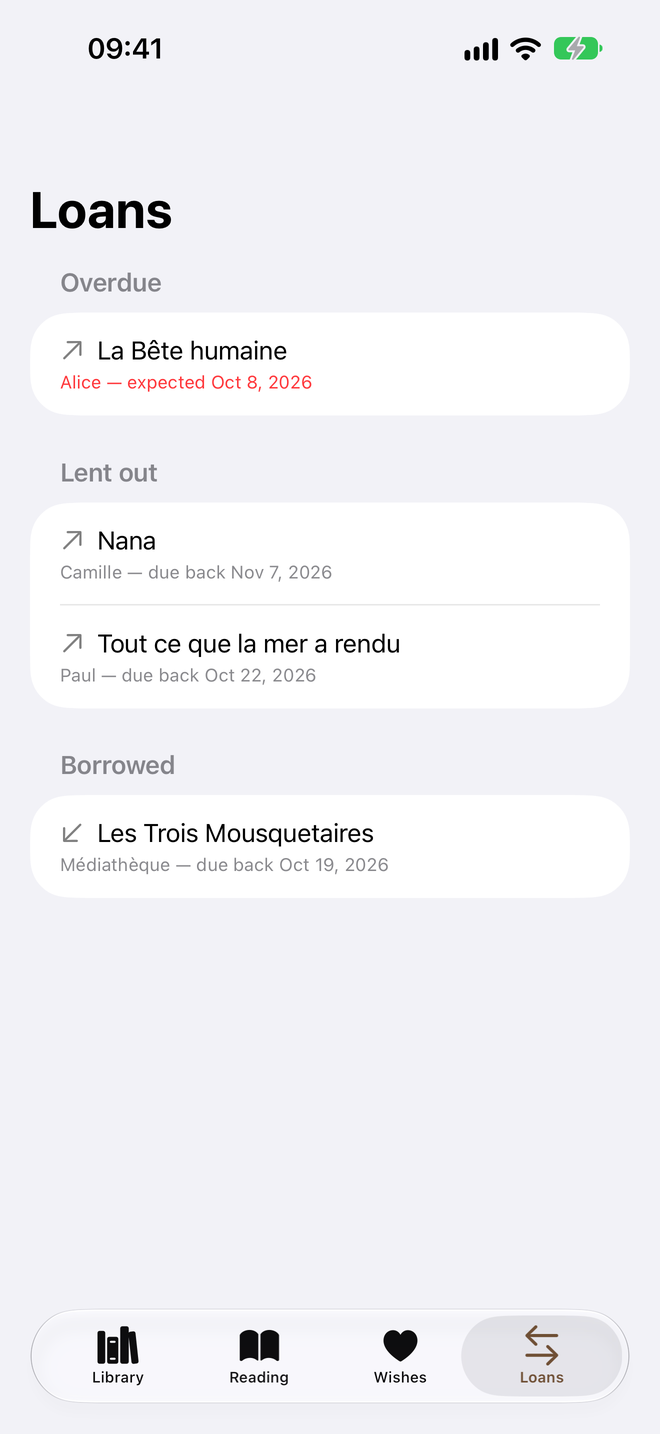
Loans and borrowings, overdue ones up front.
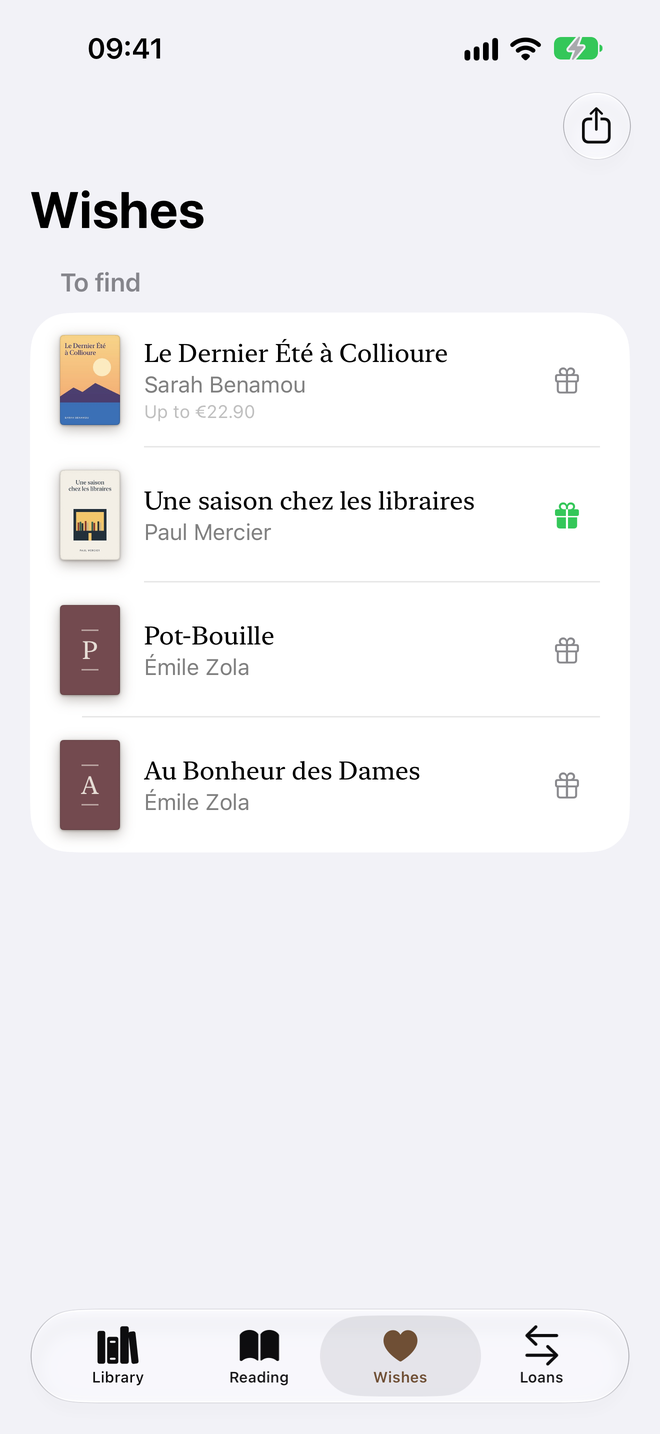
A gift-idea list to share.
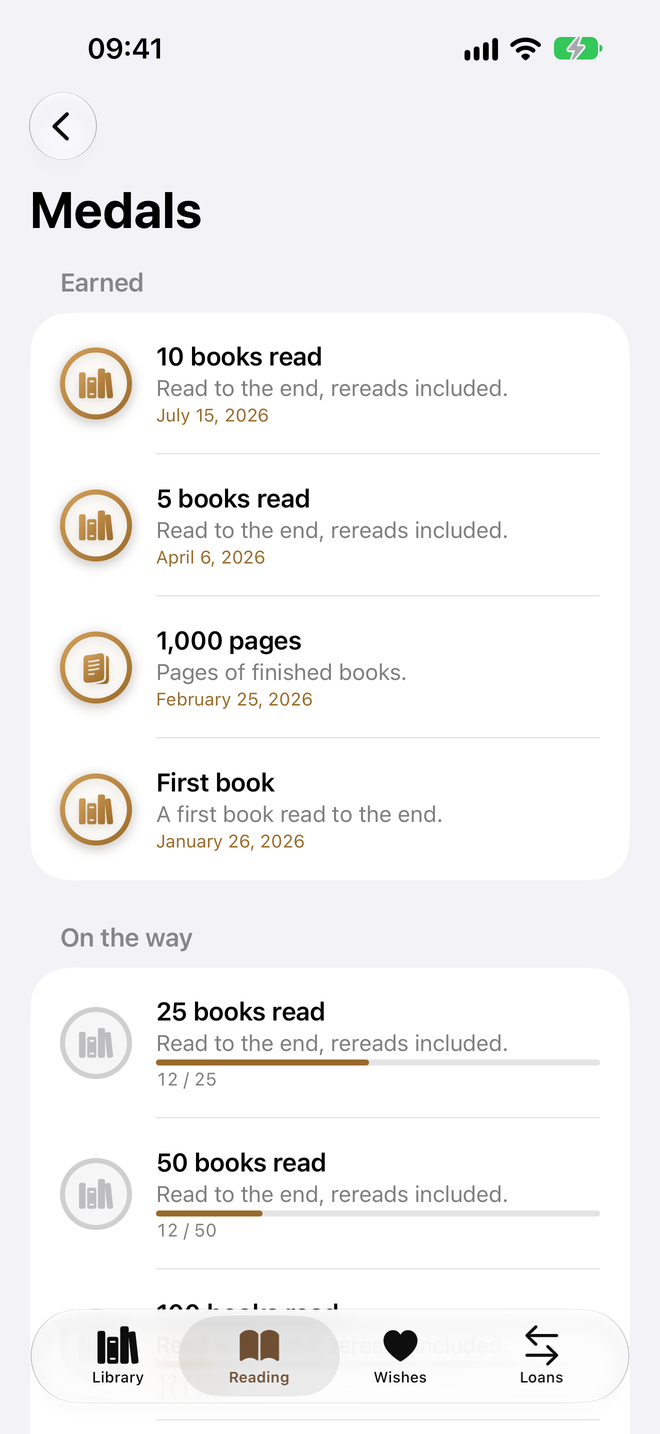
First book, reading streaks, finished series.
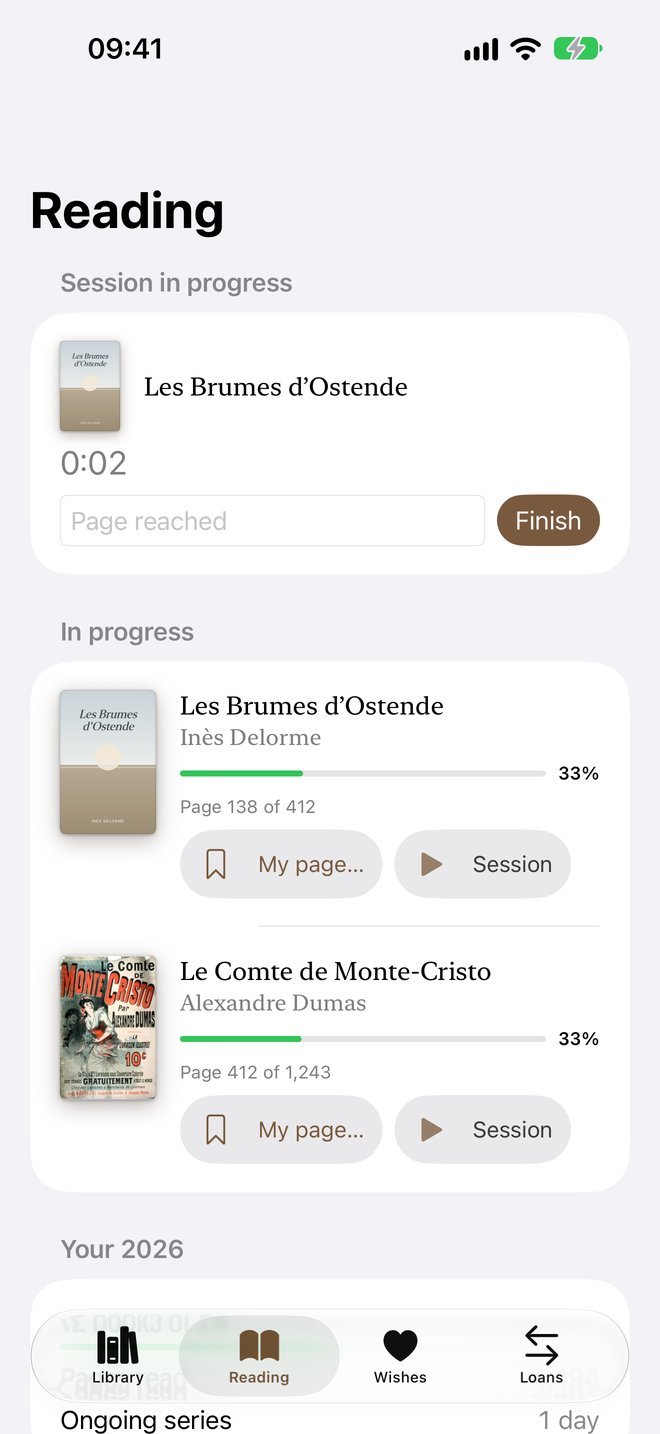
Your reading time, page after page.
On iPad
Eight screens on iPad, in the language of this page.
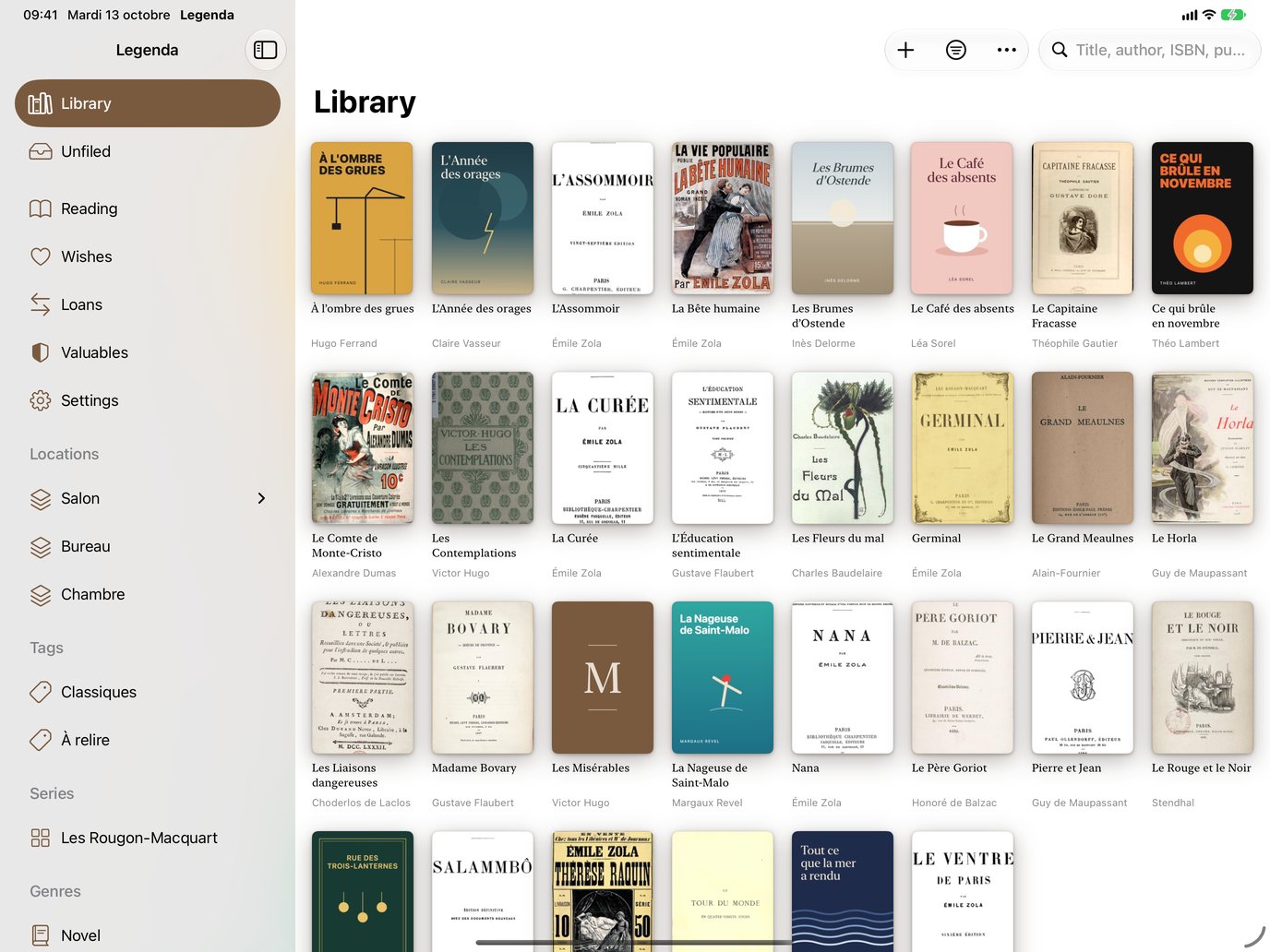
Shelves, series and genres at a glance.
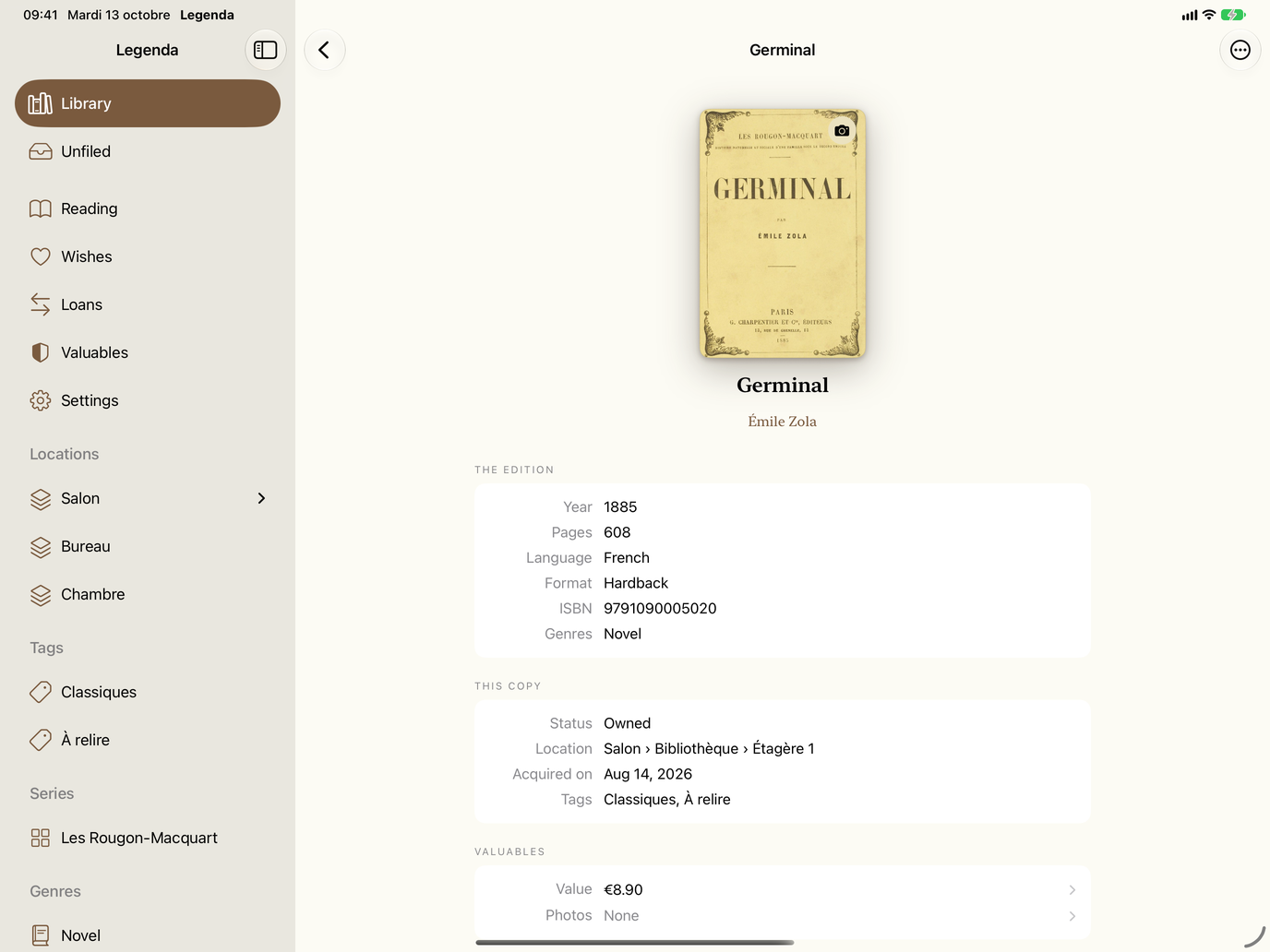
Edition, location, tags and value.
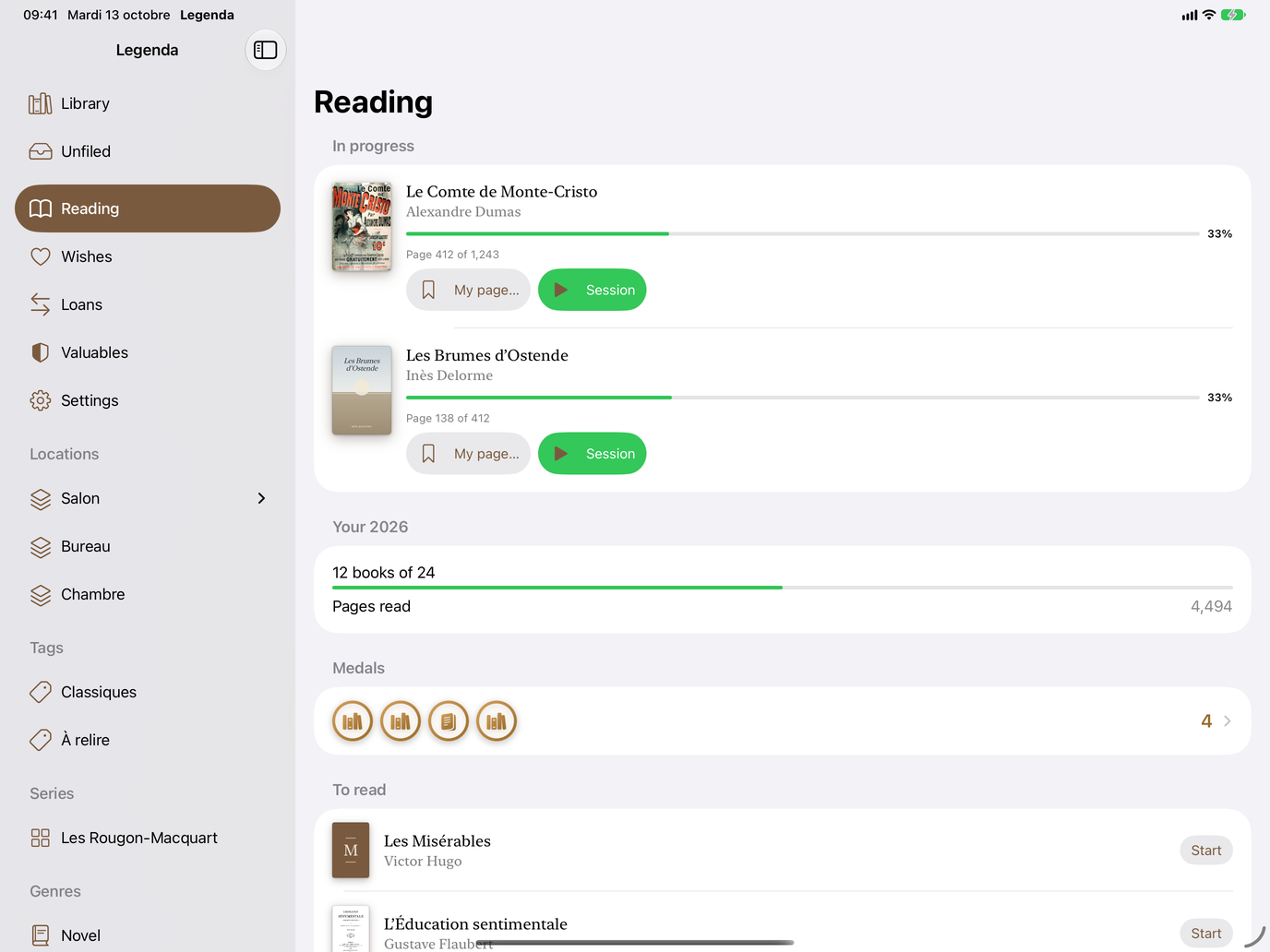
Books in progress, pages read, medals.
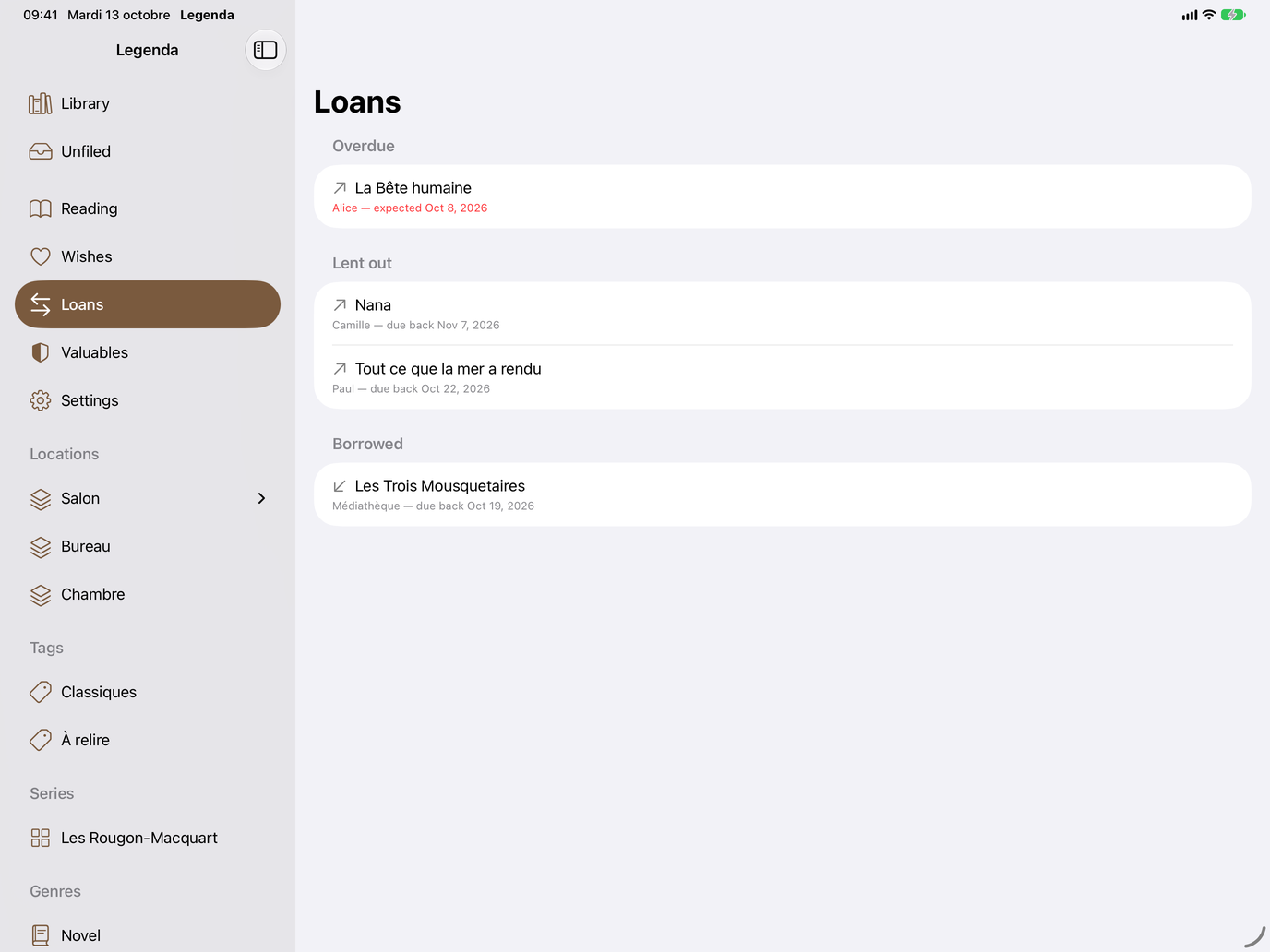
Loans and borrowings, with return reminders.
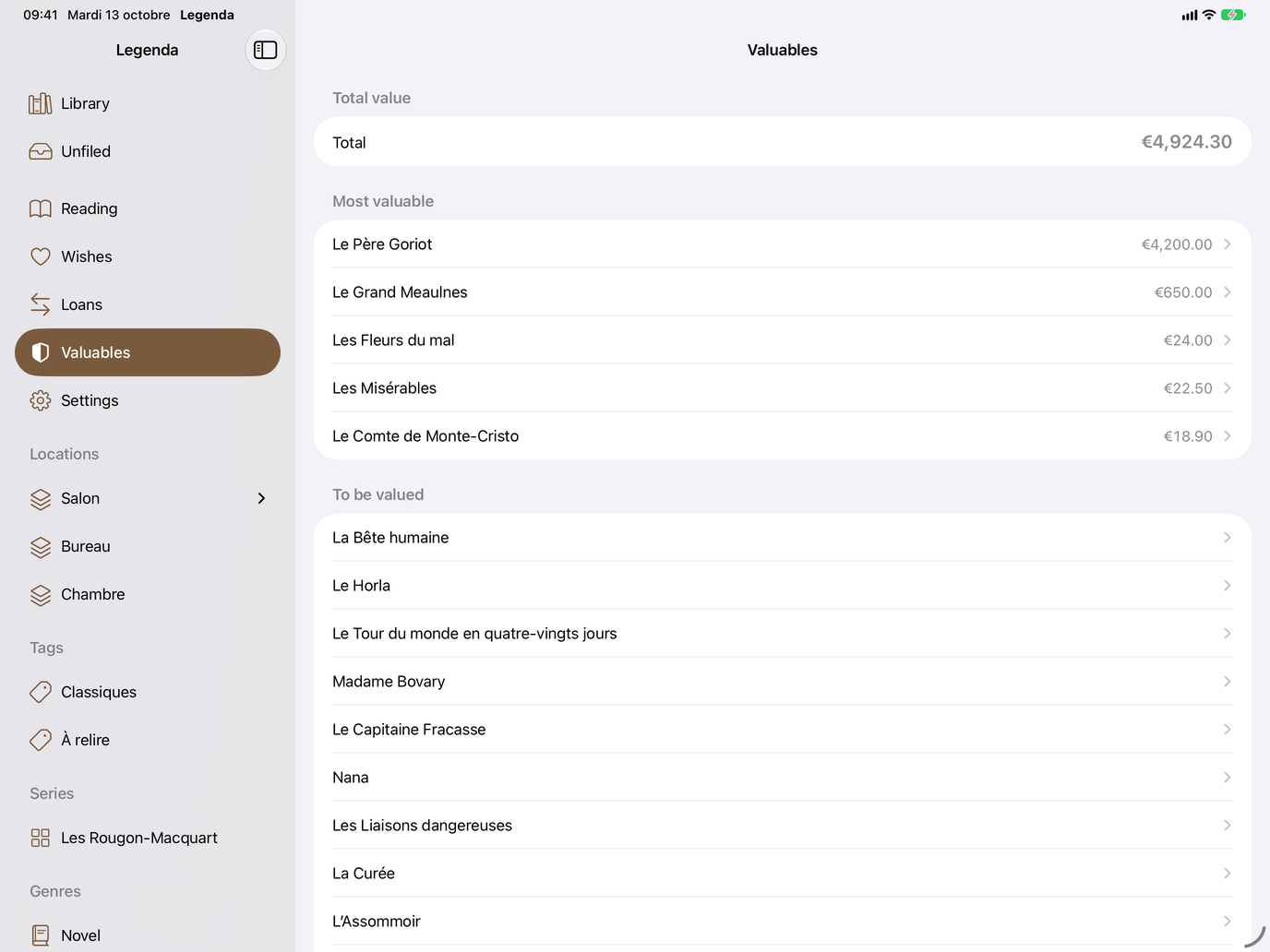
Dated values, prized copies, PDF export.
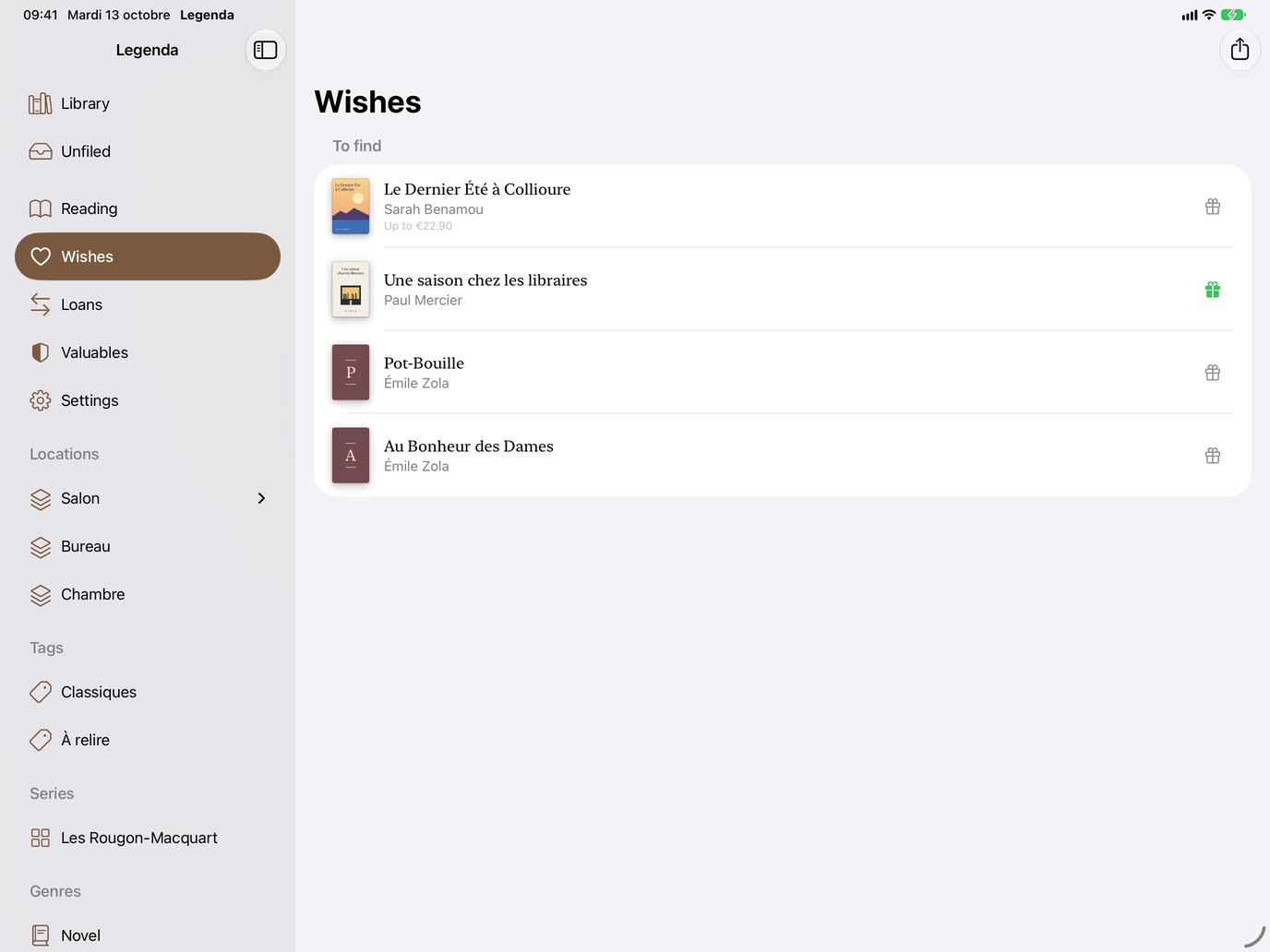
A price limit, and gift ideas to share.
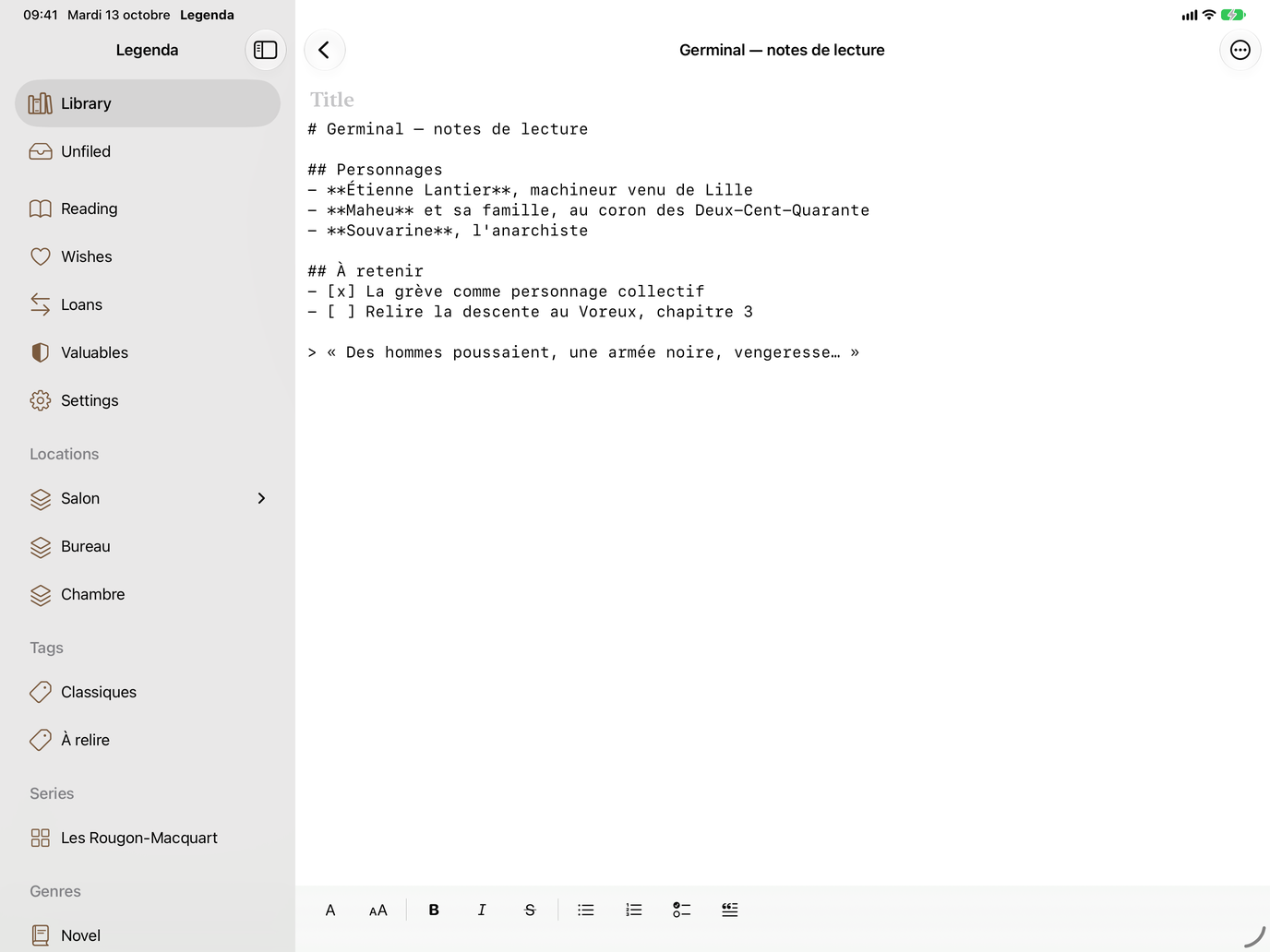
Headings, lists and quotes, with their history.
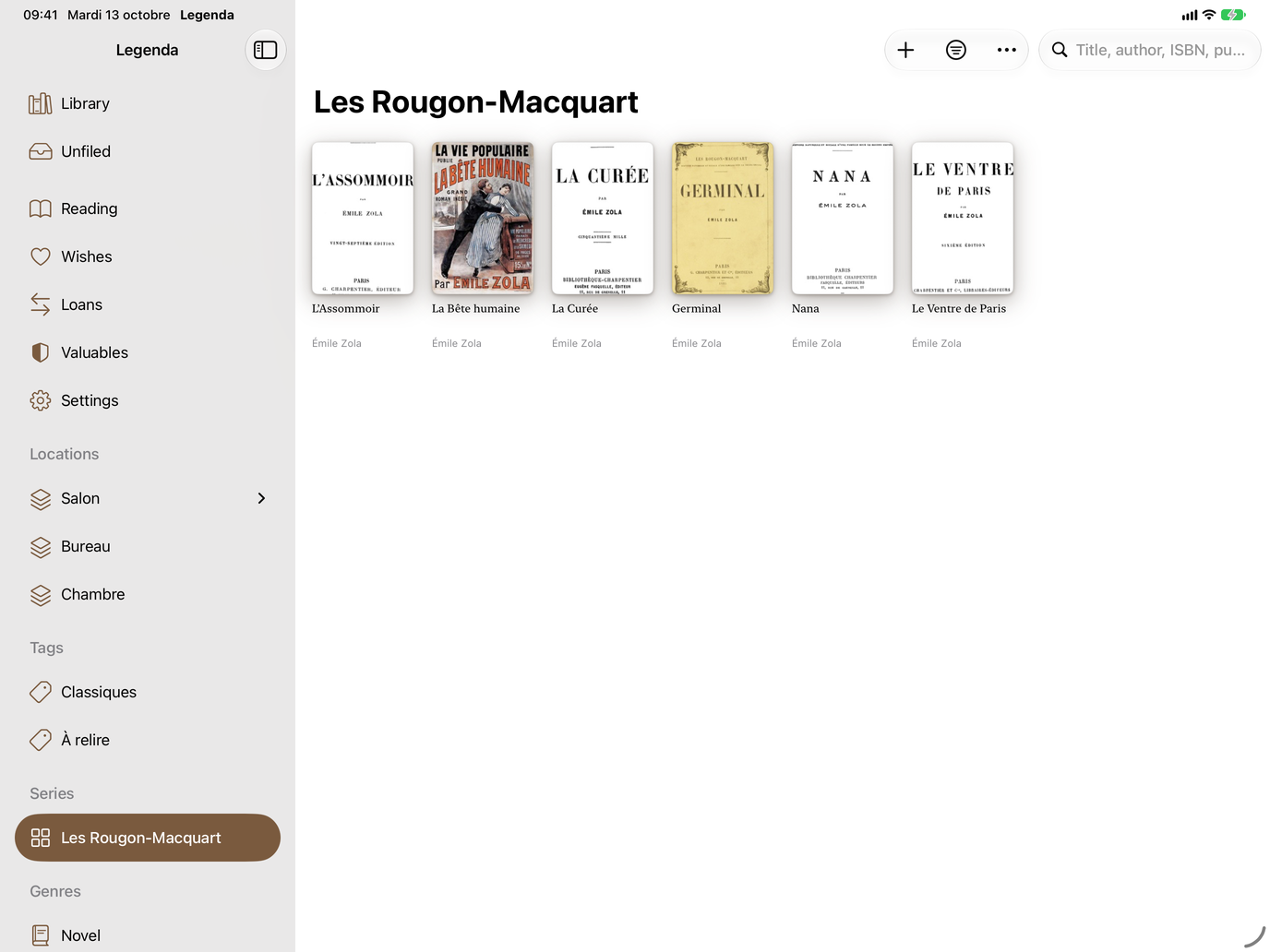
Every volume of a series, side by side.
On Mac
Eight Mac screens, in the language of this page.
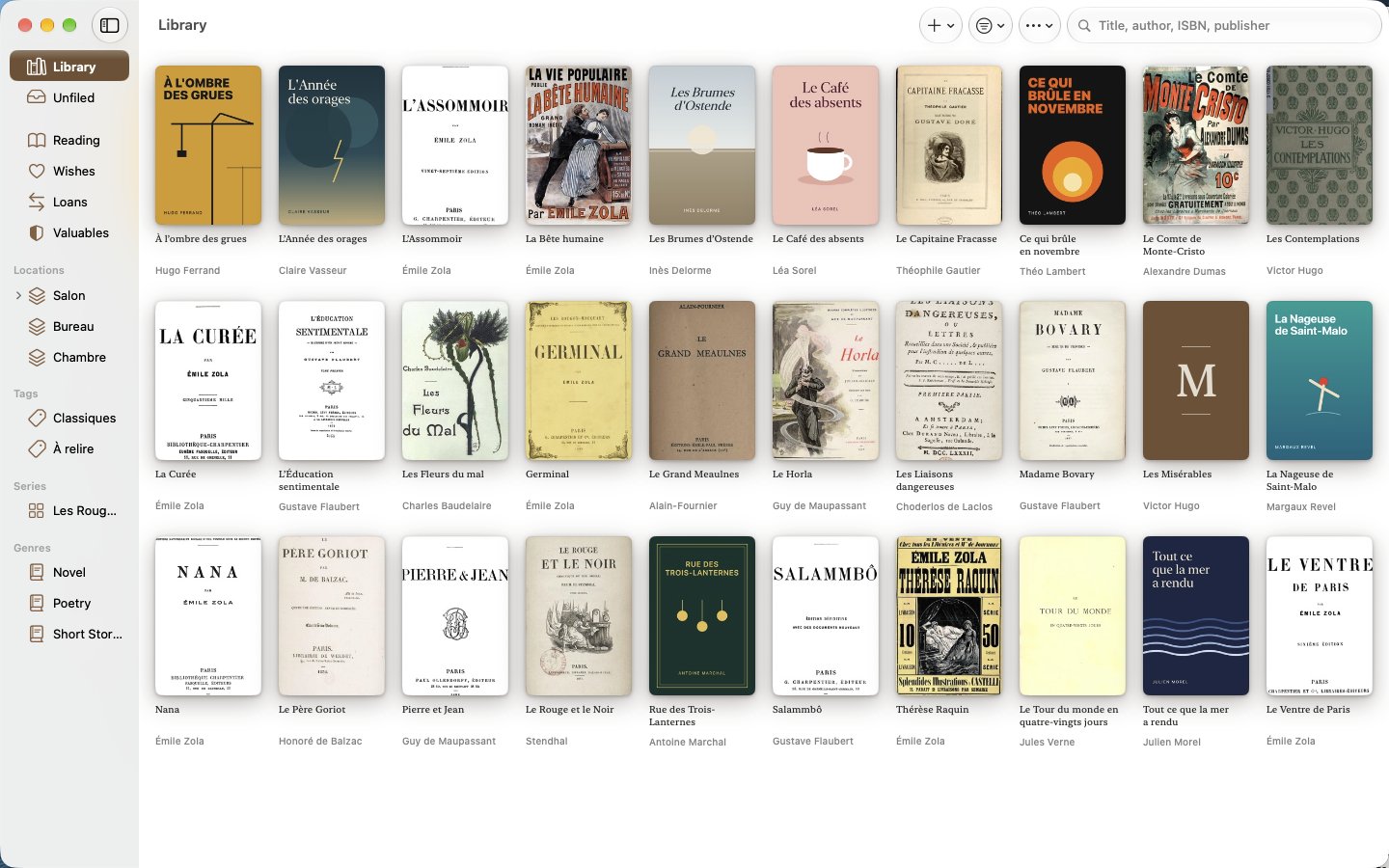
Covers, shelves, series and genres side by side.
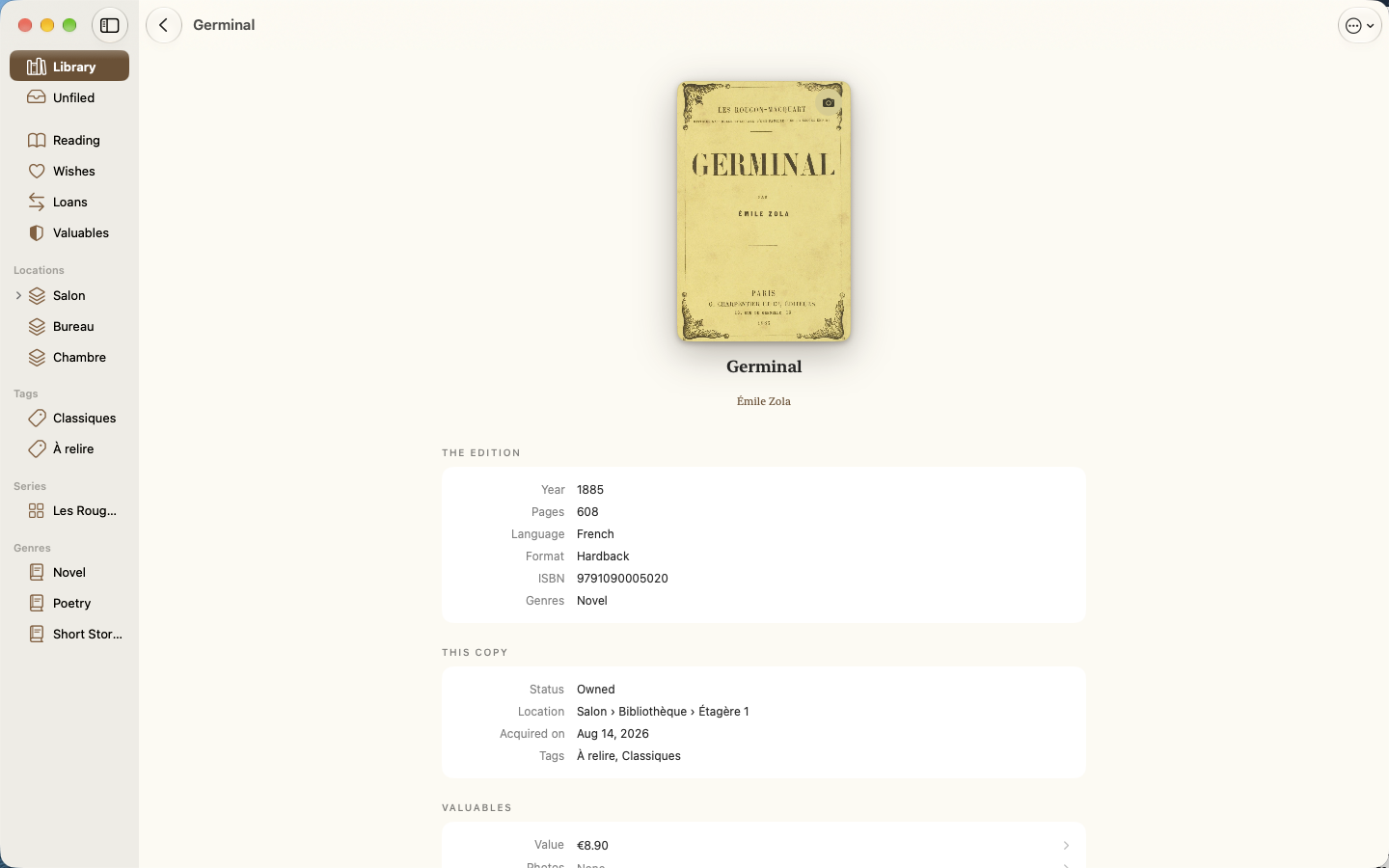
Edition, location, tags and value.
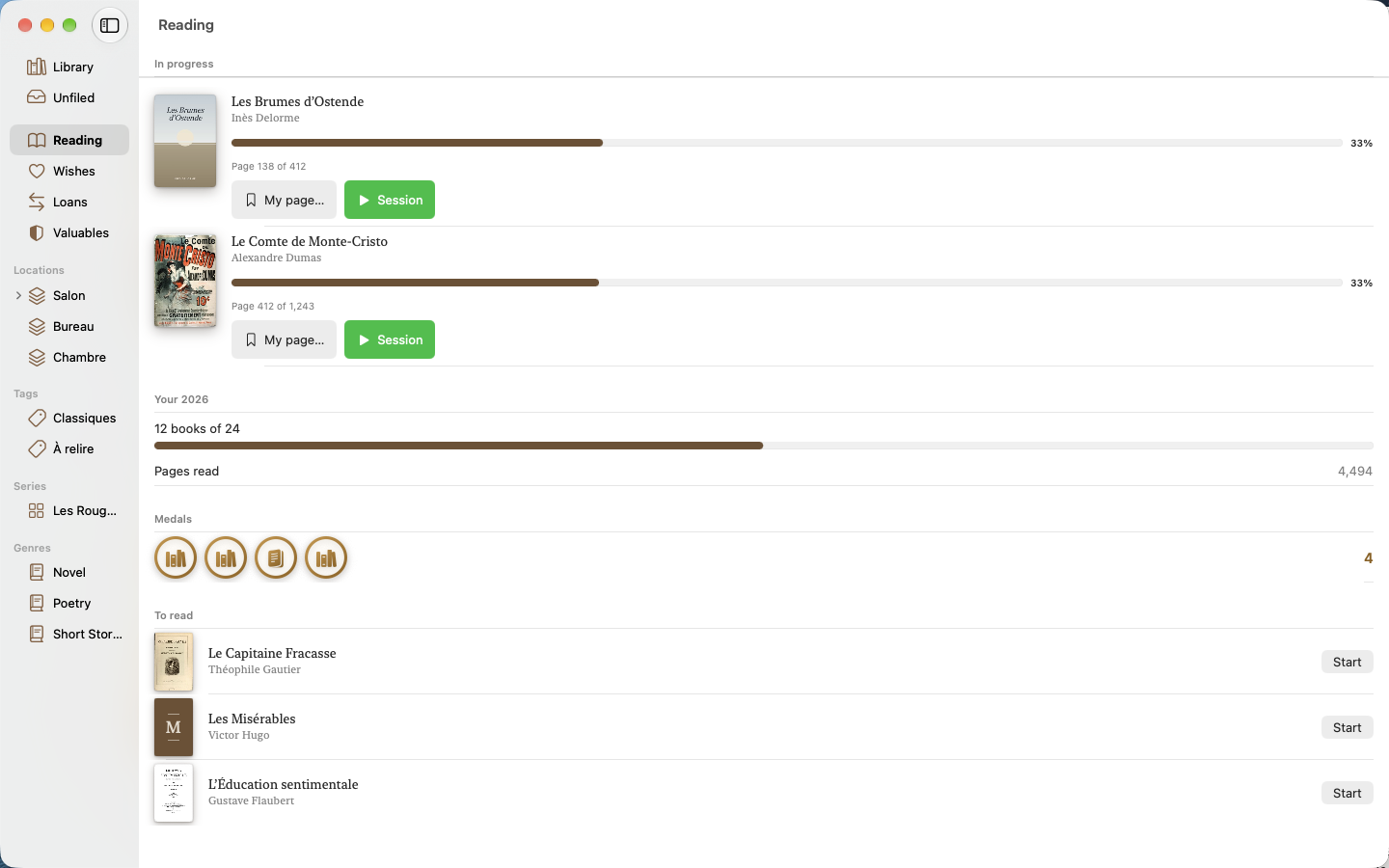
Books in progress, pages read, yearly goal.
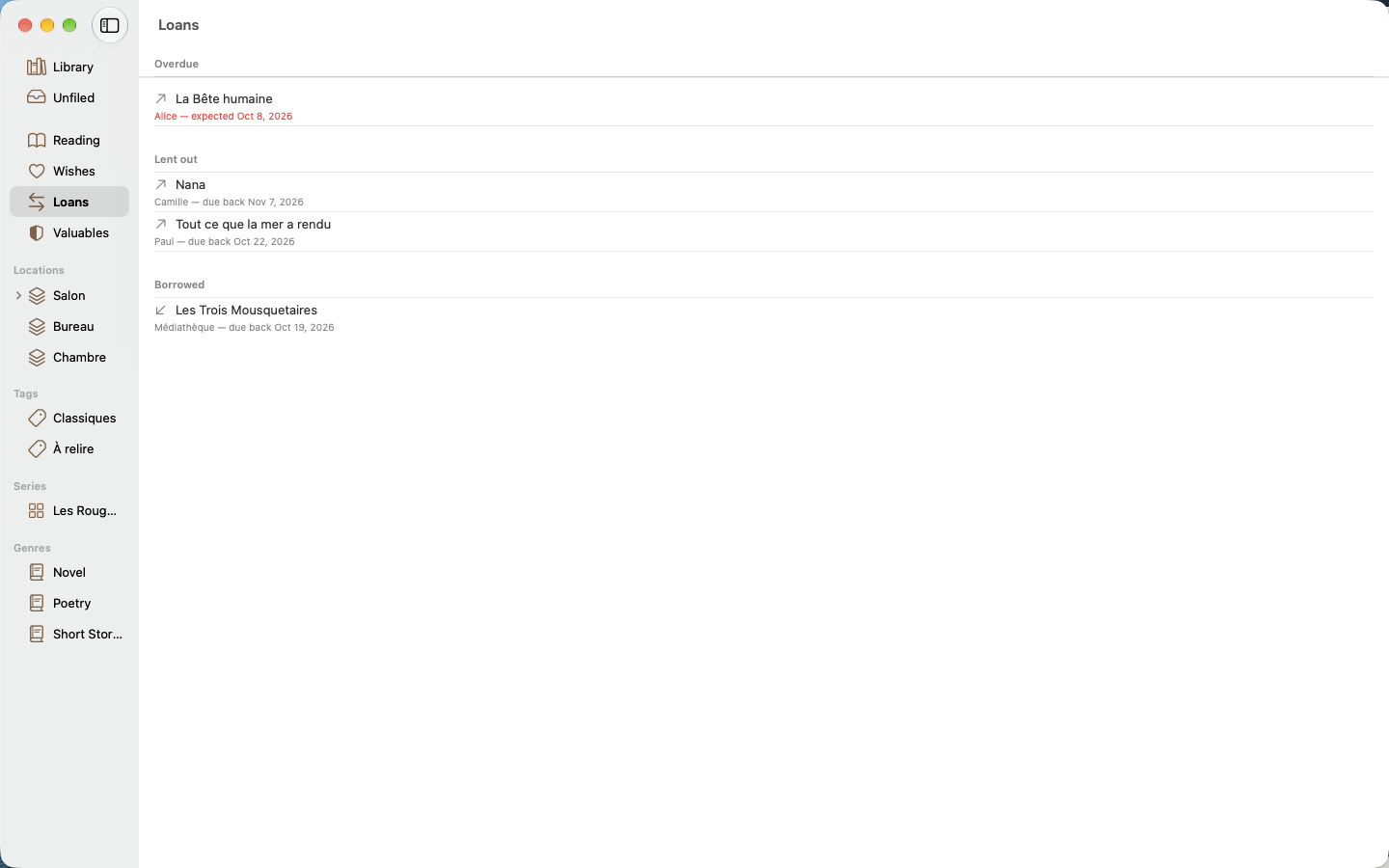
Overdue loans up front, reminders ready to send.
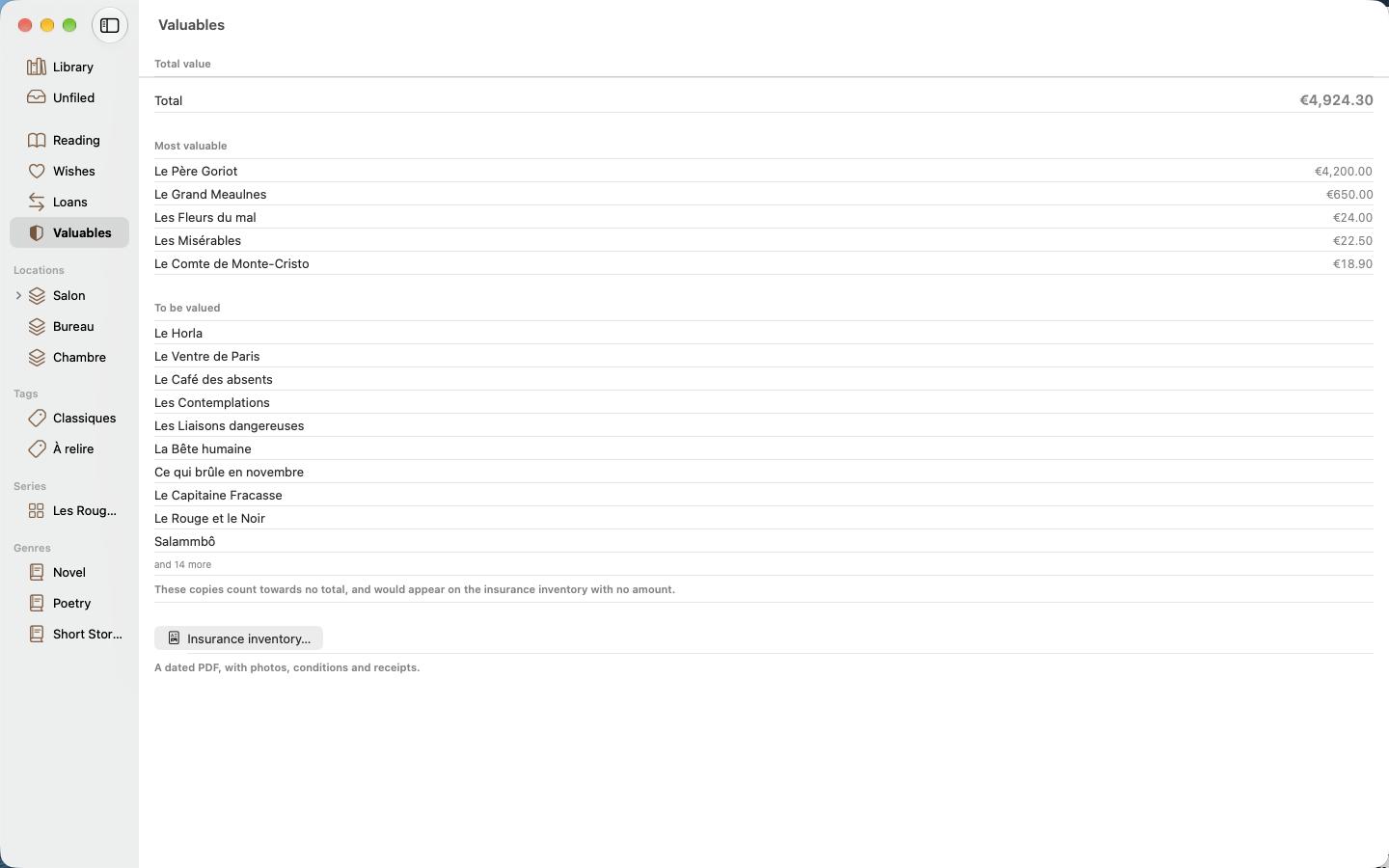
Dated values, prized copies, PDF inventory.
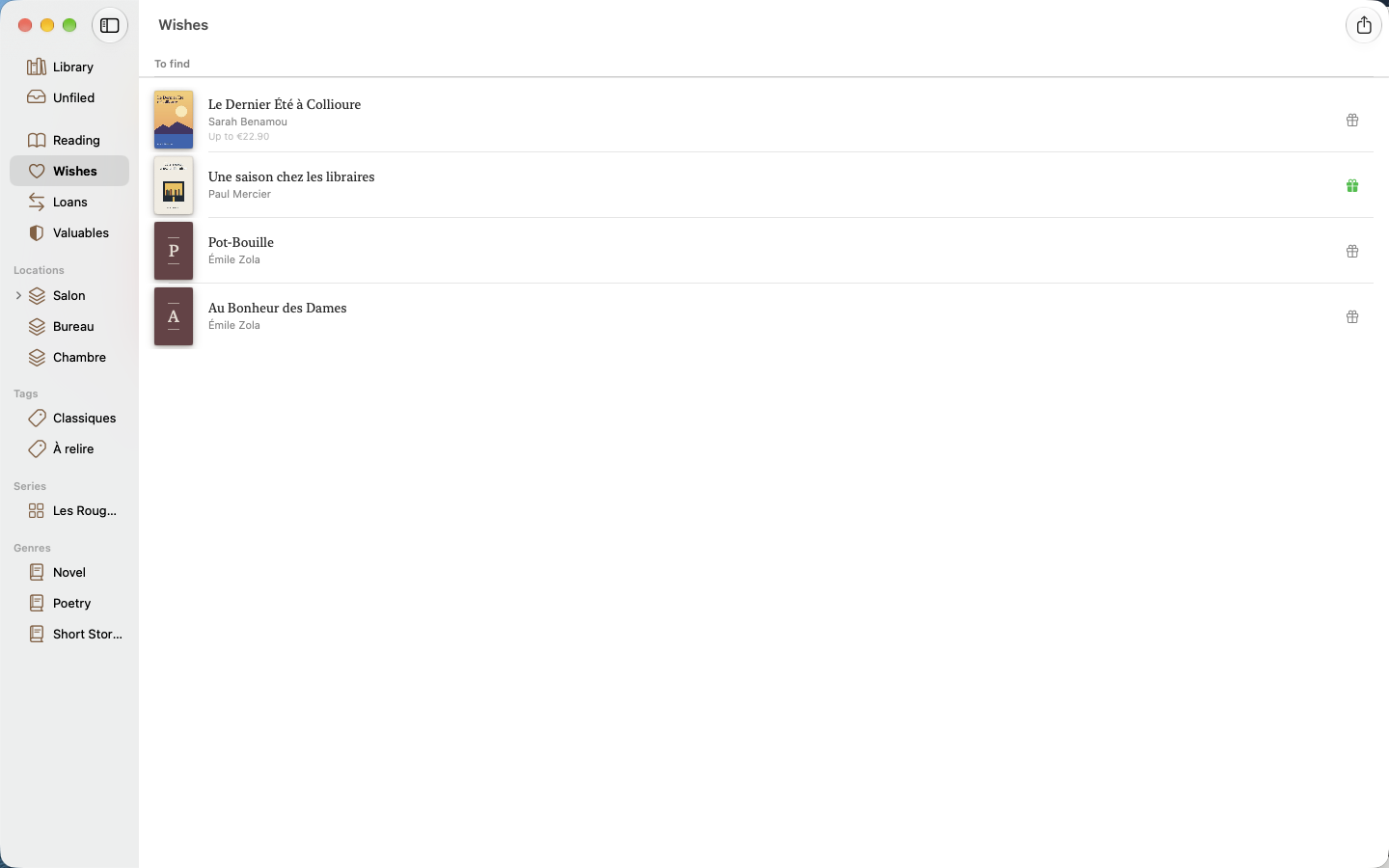
A gift-idea list to share.
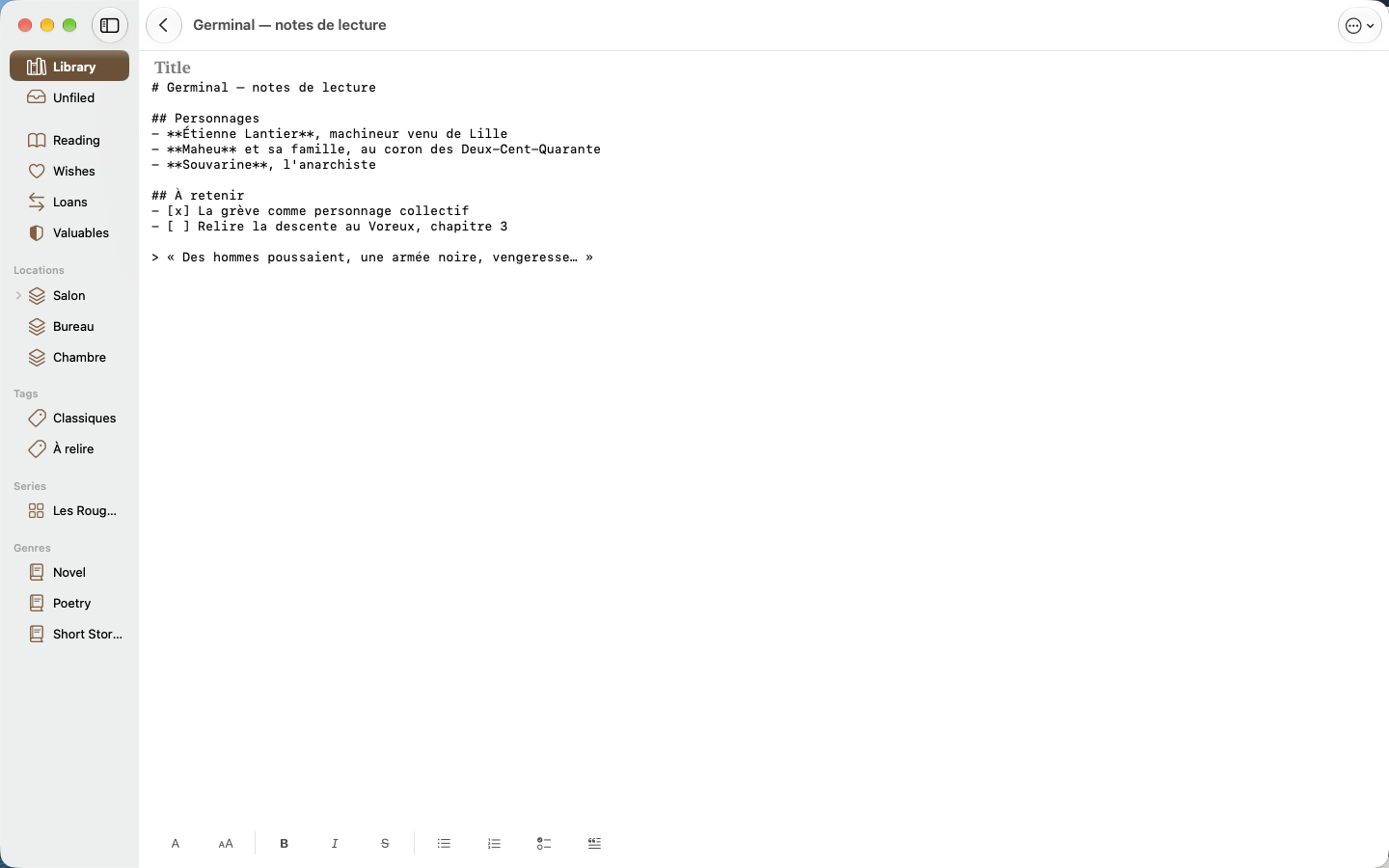
Headings, lists and quotes, with their history.
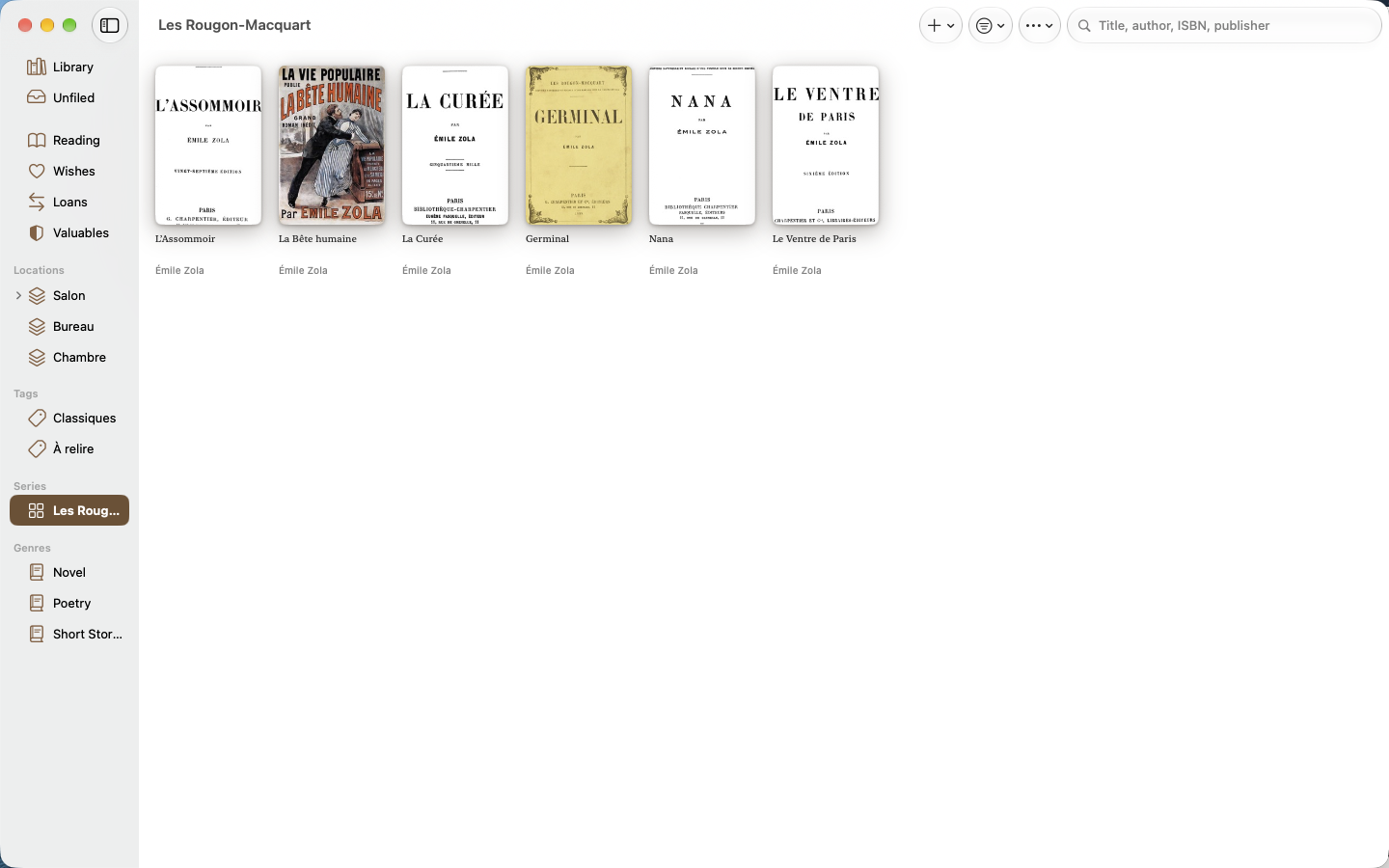
Every volume of a series, side by side.
Apple integration
A true macOS application — not a port — with three columns, a full menu bar and keyboard shortcuts.
Current reading, yearly goal and overdue loans on your Home Screen, and the reading session tracked as a Live Activity.
“Do I own this book?”, “Who has my book?”, “Start a reading session”: the key actions respond to your voice as well as to Shortcuts.
Sync goes through the private database of your iCloud account. We own no server, and your data never looks for one.
Siri, Spotlight & Shortcuts
6 Siri commands and 7 actions in the Shortcuts app, on iPhone, iPad and Mac.
Siri commands
Actions in the Shortcuts app
Private data
No account, no ads, no analytics, no third-party library.
Your books live on your device and in the private database of your iCloud account.
Only looking up an unknown book sends an ISBN over the Internet — with no identifier attached.
Read our full privacy policy for the details.
privacy@rapinology.com →Support
Running into an issue, or would you like to suggest an improvement? We’re listening.
support@rapinology.com →